
For acting schools and studios
The rehearsal, the class night and the show night.
One card per actor for all of it.
For acting schools, drama schools' evening programmes, youth theatre schools and mixed theatre-and-improv studios. A card for every actor, one router, no venue wifi needed while the lesson runs — and no actor accounts, because somebody joining on a Tuesday evening should not need onboarding.
Your evenings
Three jobs your studio already does, on one kit.
Productions and showcases in rehearsal
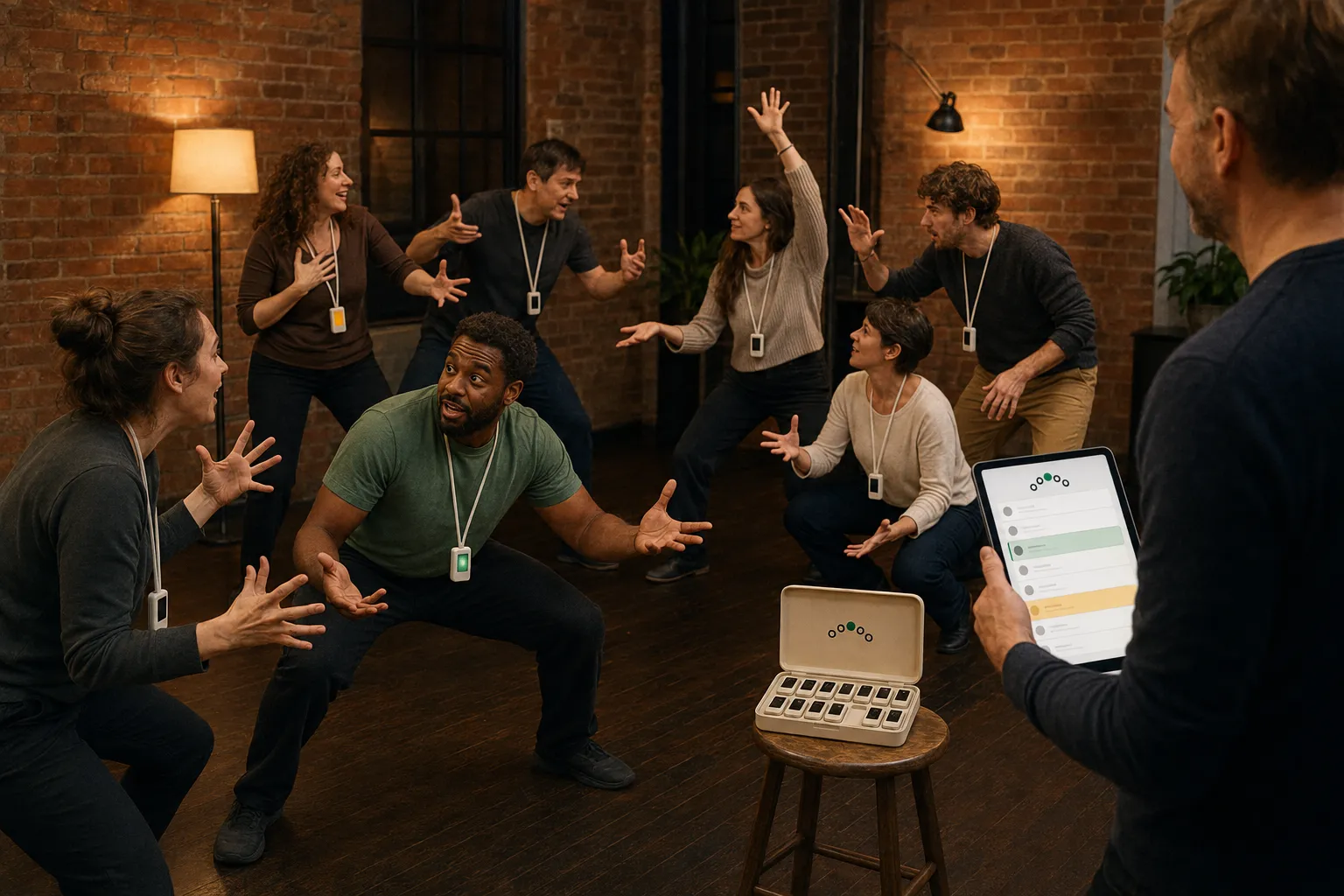
Import the script and each actor's card carries their own next line under the cue — in full, as first letters, or blank, set per actor as they get off book. When a line goes, you tap their name and the words appear on their card alone. Nobody calls "line" across the room, and afterwards you can see who dried where.
Class nights
Scene study, pairs, exercises: the iPad proposes who goes up next and with whom, from who has been up least and who has worked together least. Their cards buzz privately, the time limit buzzes the stage, and the people watching get a word to watch for.
Show nights
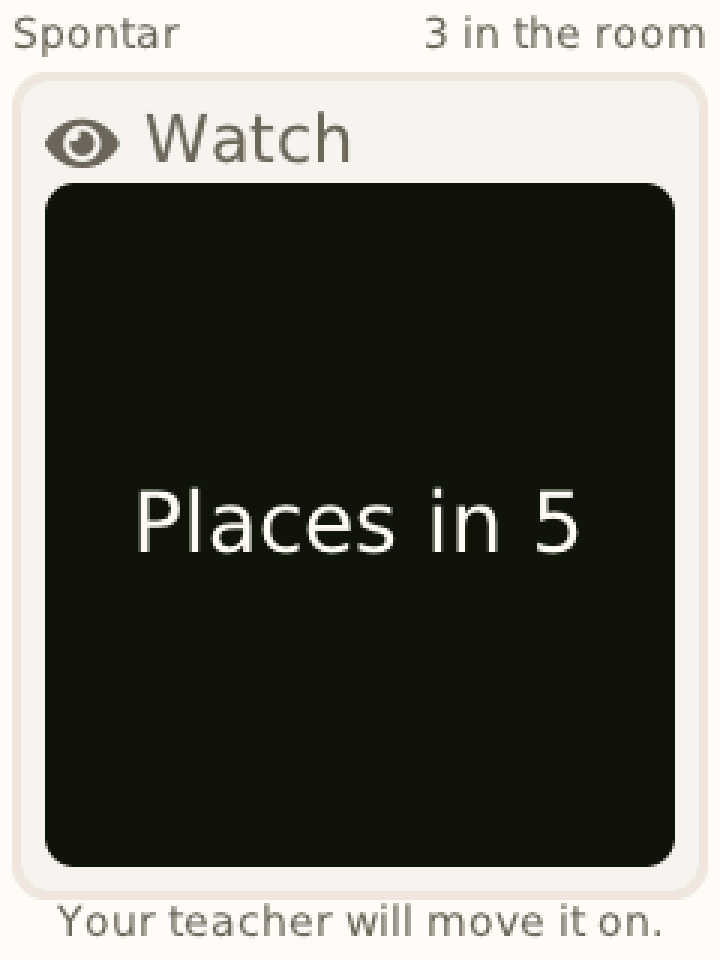
The running order on your iPad, Places in 5 on the next act's cards, 2 minutes and Wrap it up on the act on stage, and the jam sign-up drawn into groups — each drawn card told its group.
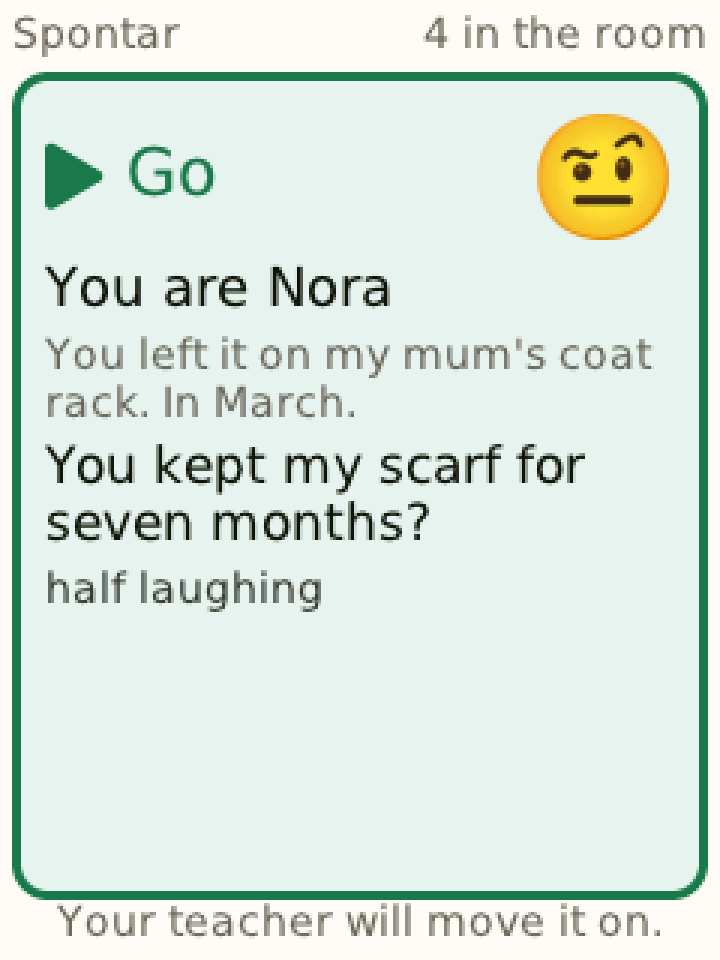
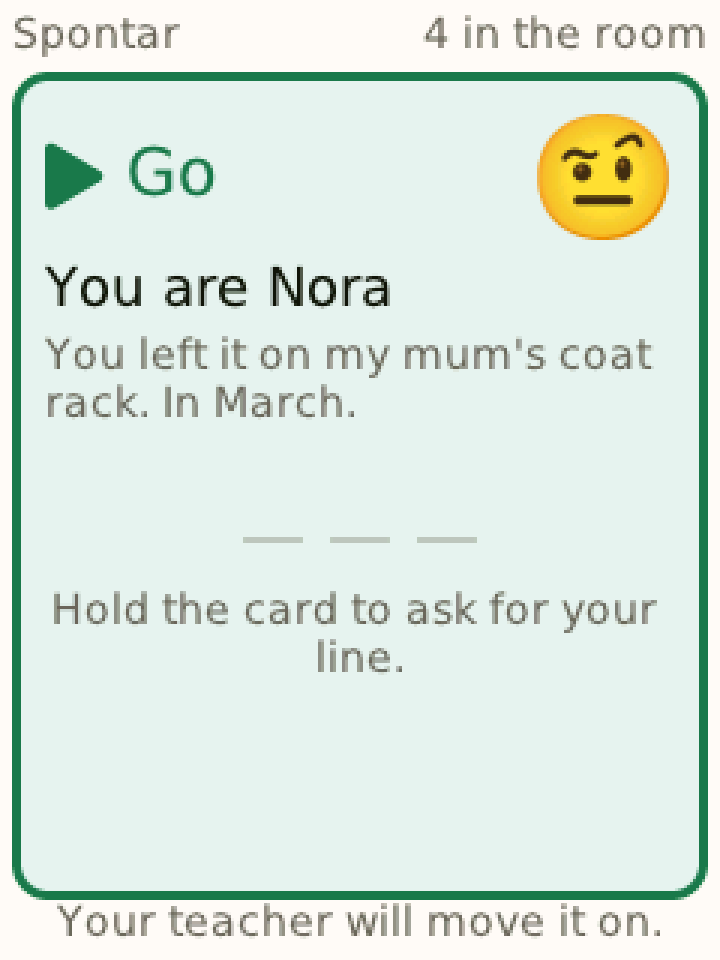
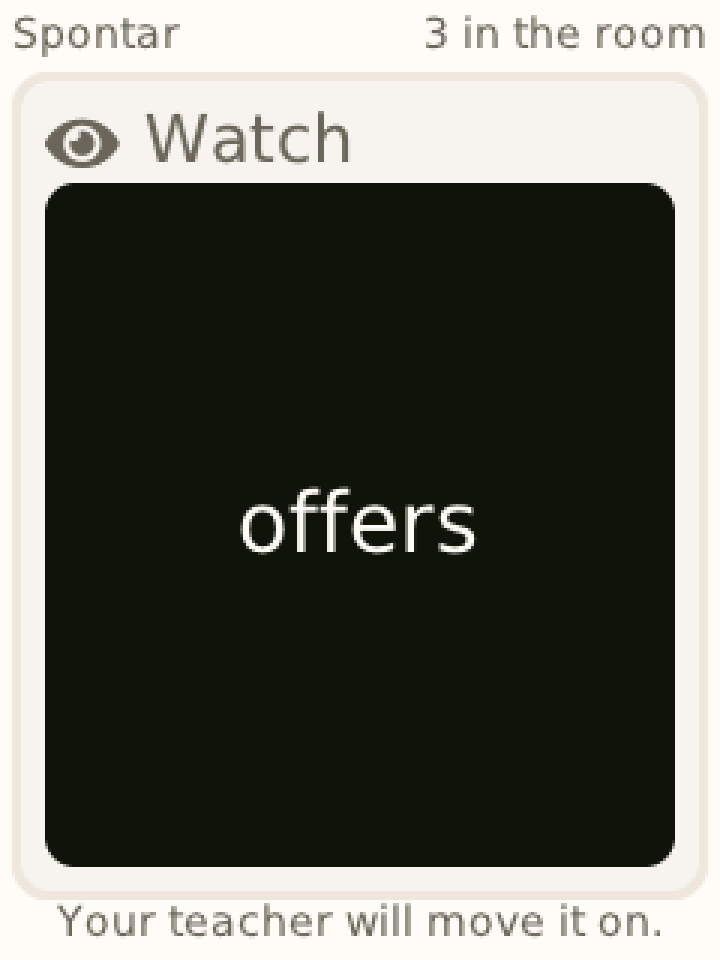
Improv as well. Improvised scenes — a situation and a feeling for each role, revealed only to its player — from Composer or the Library, and Live mode for typing a prompt to one player during a scene. The same cards, the same iPad.
The room
Your venue's internet is not a design assumption.
Most rehearsal spaces have internet that works until fifteen people join it. Church halls, converted warehouses, the back room of a theatre — the signal is fine at the desk and gone in the middle of the floor.
So the kit carries its own router. The room becomes its own network, your iPad is the host, and the lesson runs without the venue's internet — not degraded: designed for it. Open the lesson where there is a connection; the record uploads when the iPad is next online. You choose the mode before the session, and it does not change under you.
Setup
An afternoon, and nobody to ask.
We set your studio up with you: teachers added, your group list imported — the import reads whatever your spreadsheet looks like and shows you what it read before anything is created.
Then you hand the cards out. No slip, no username, no password: a card is switched on, it finds your iPad, and it waits until you tap a name. No actor email addresses are collected at any point, and there is nothing else for an actor to remember either.
Importing your first script takes a minute: drop in the PDF or Word file, check the roles and lines Composer found, publish. Rehearsing it is the part that takes the evening — and it should.
Mixed groups
Adults by default, minors handled properly.
A group is marked with an age band, and the software behaves differently for a group of minors: for under-sixteens (under-thirteens in the US) parental consent has to be on record before a session can start, and a mixed group is treated as containing the youngest possible member — the safe reading is the one that does not depend on being told.
For adult groups, none of that applies and nothing gets in the way.
Mixed languages are fine too: the class app, Composer and the cards work in English, German and French, and a script plays in whatever language it was written in.
What it costs
A quote, not a price list.
The quote is worked out from the size of your largest class and the number of teachers — that decides how many cards and iPads are in the case — which is why there is no price list on this site.
Nothing is deleted when a licence lapses. A studio that comes back in September finds its scenes where it left them.
Tell us about your room.
How many actors on a usual evening, what you are rehearsing, and what the internet is like in the middle of the floor. That is enough for a first answer.
Talk to us