
Craft 4 min read
Off book without the dread
The off-book date is where many rehearsal processes stall. Taking the script away in stages, and learning cues as well as lines, makes it a step instead of a cliff.
For acting and drama teachers
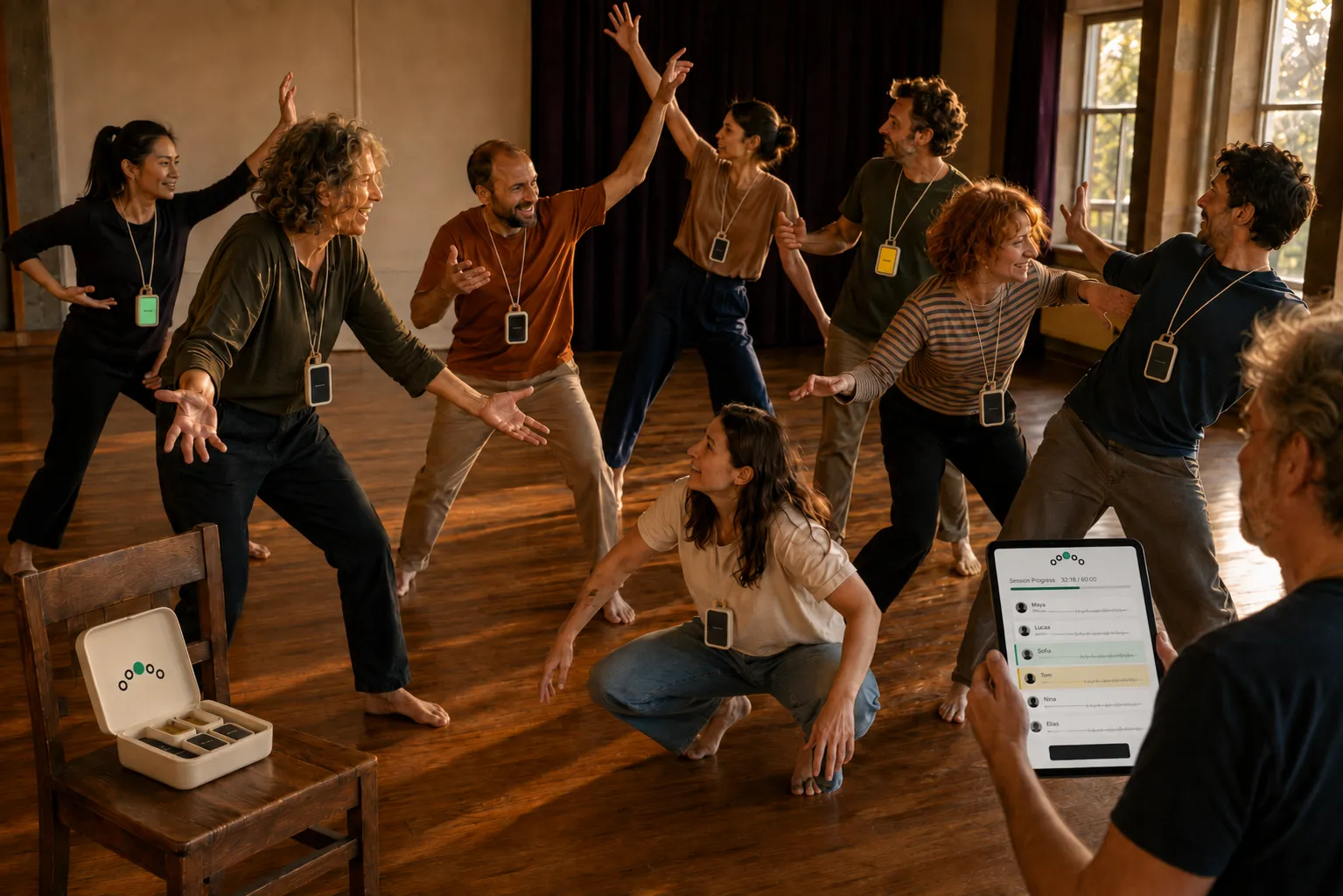
Rehearse scripted work without paper: each actor's card shows their own next line and the cue before it, and a silent prompt from you when they dry. Then run the room, and the show night, from the same iPad.
Rehearse a script
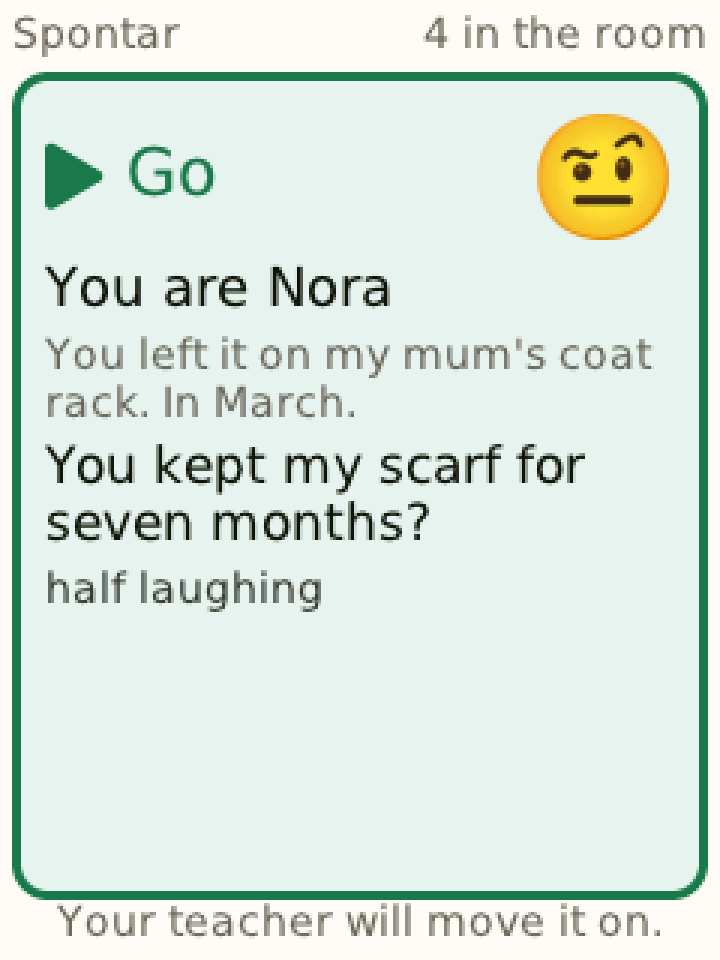
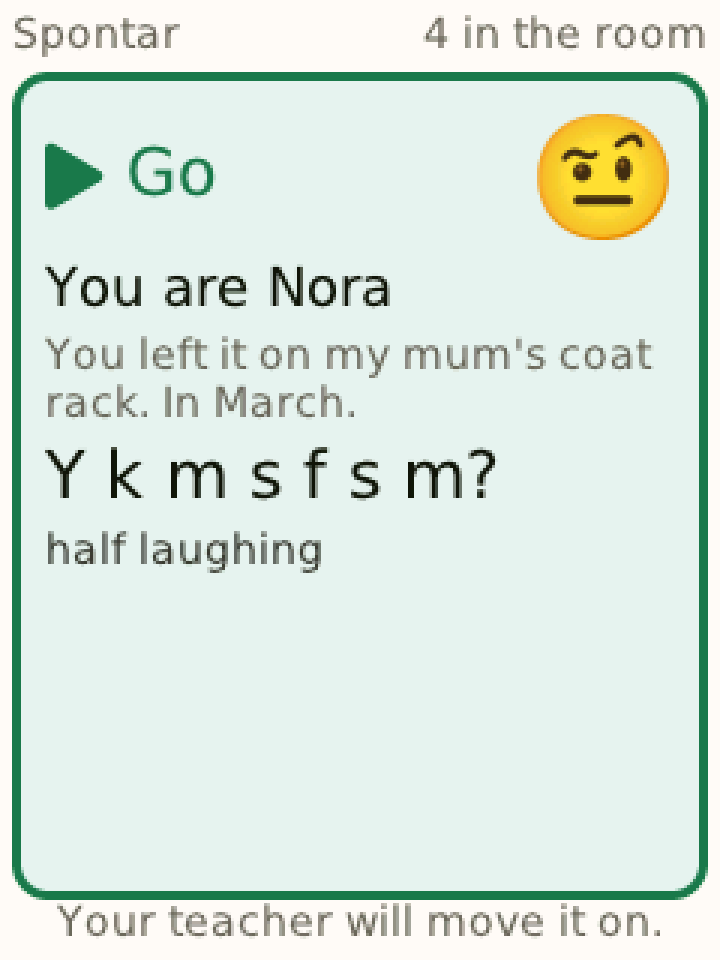
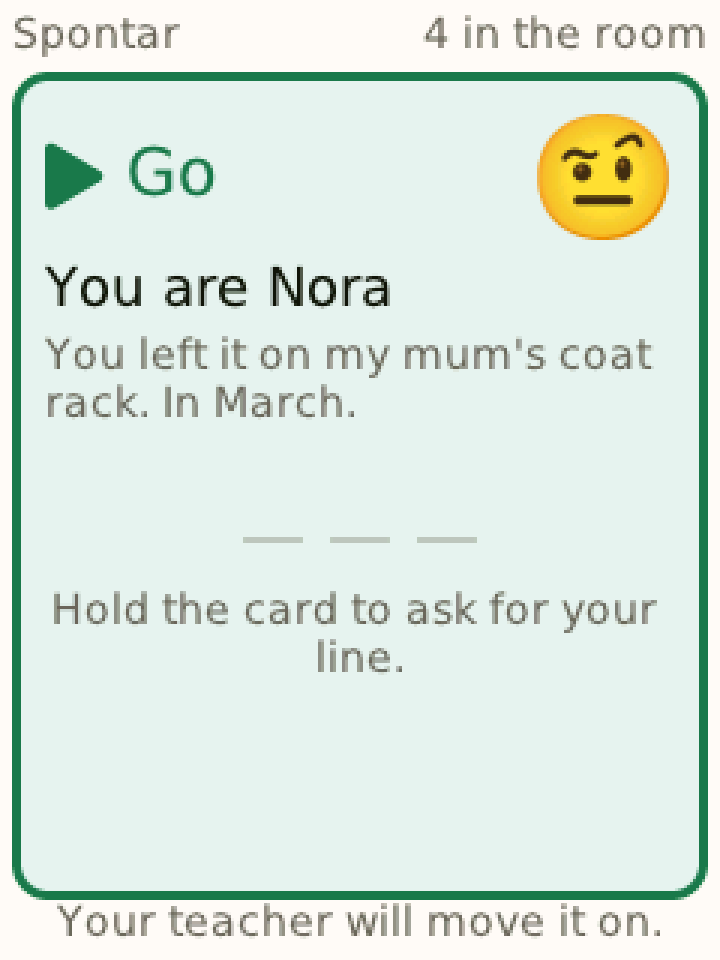
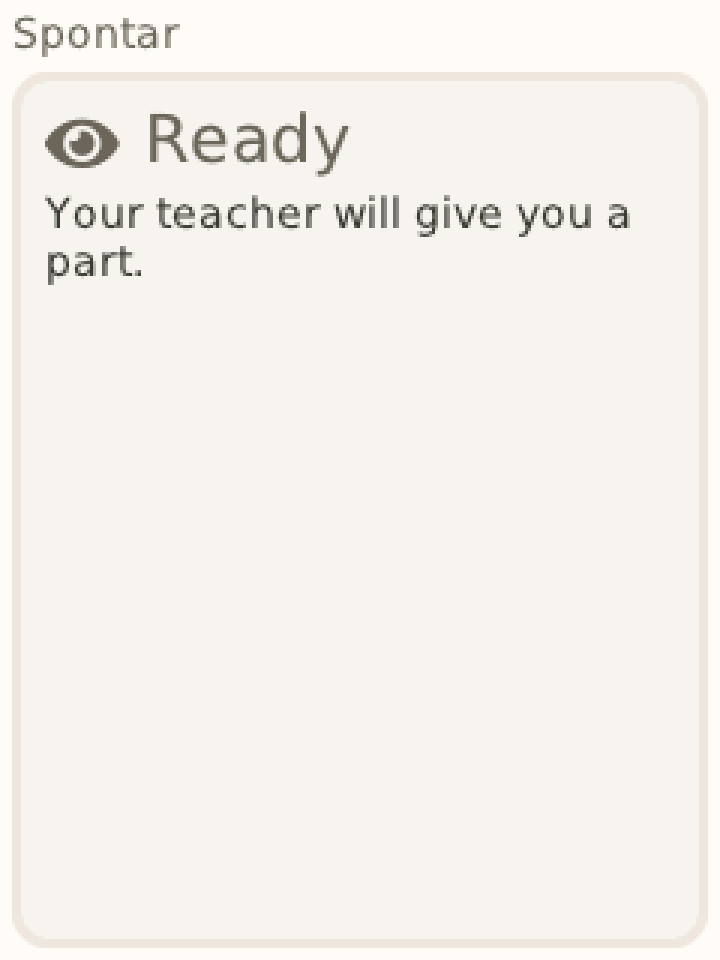
The whole script lives on your iPad. Each actor's card shows the partner's last words in grey — the cue — and their own line beneath: in full, as first letters only, or not at all. You set that per actor and change it any time, so the card moves with the cast as they get off book.
What Spontar is
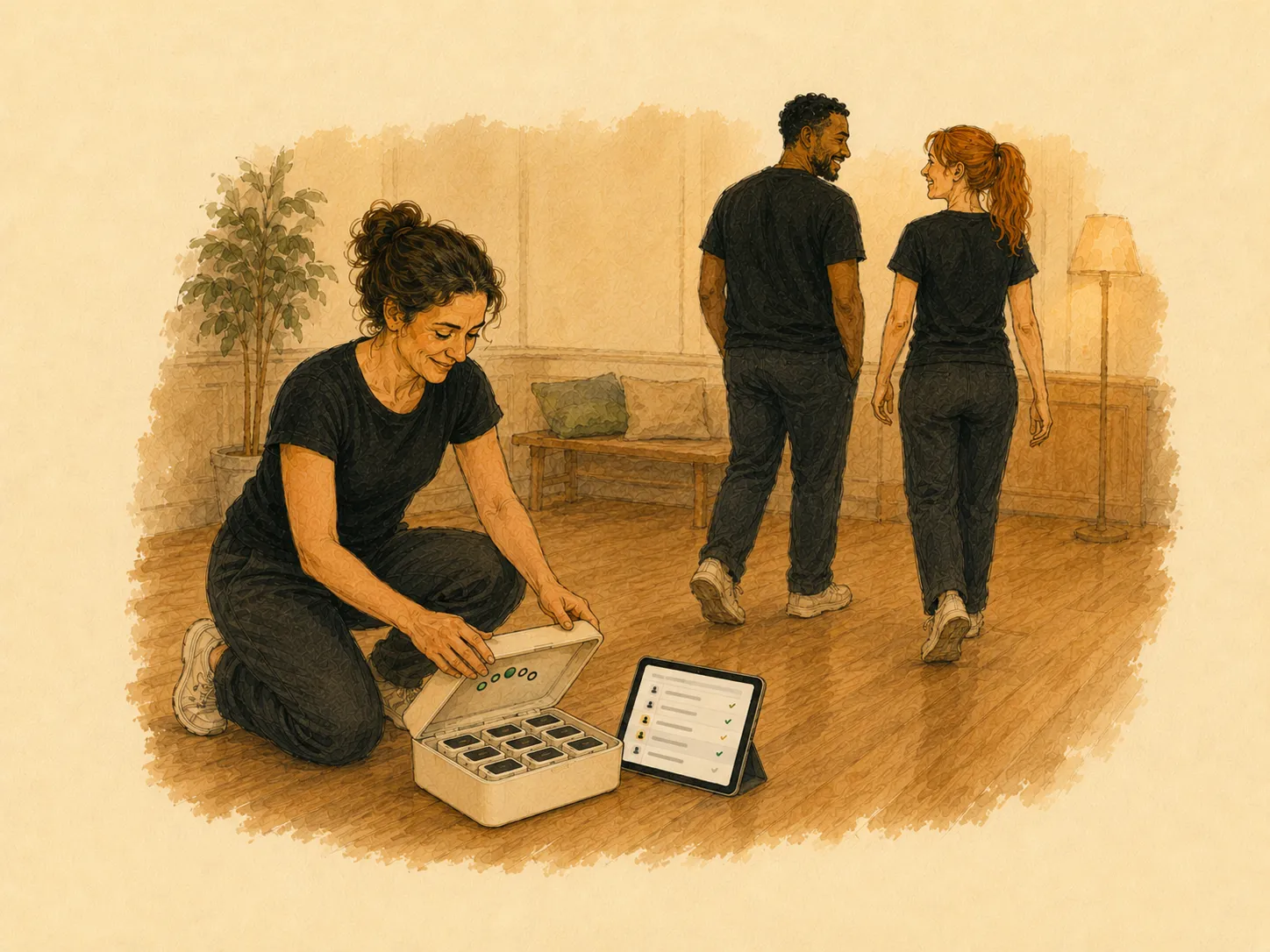
One case: your iPad and a small card for every actor. Three jobs every acting class has, done on the same cards, and each one leaves a record you can look back on.
REHEARSE
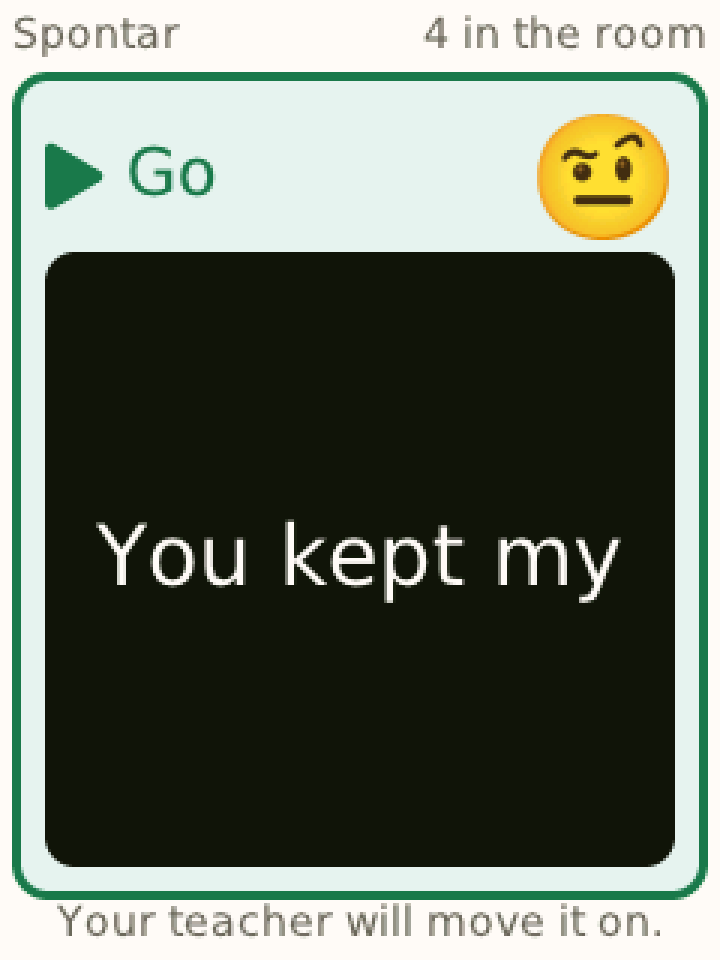
Each actor's next line and cue on their own card, full, first letters or blank. When someone dries you tap their name, and the words appear on their card alone. An actor can hold the card to ask for the line. Afterwards: who dried, and on which line.
RUN THE ROOM
For any class with no script: the iPad proposes the next pair or group from who has been up least and who has worked together least. Their cards buzz privately, the time limit buzzes the stage, and the people watching get one word to watch for.
SHOW NIGHT
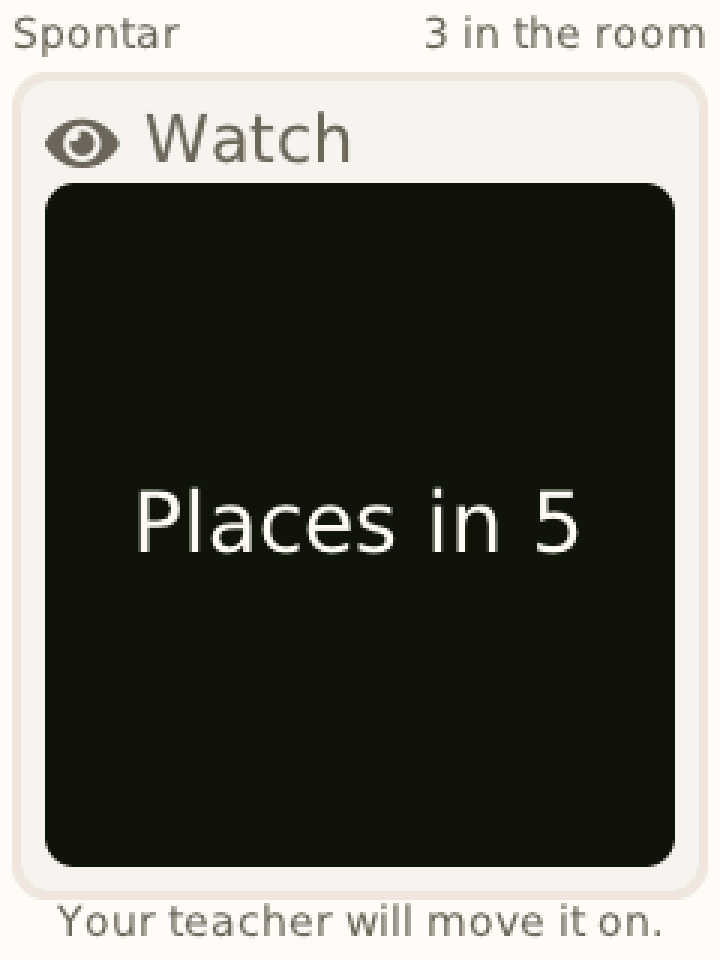
Places in 5 buzzes the next act. 2 minutes and Wrap it up buzz the act on stage. The jam sign-up is drawn into groups on the iPad, and each drawn card is told its group. Afterwards: the acts, and how long each ran.
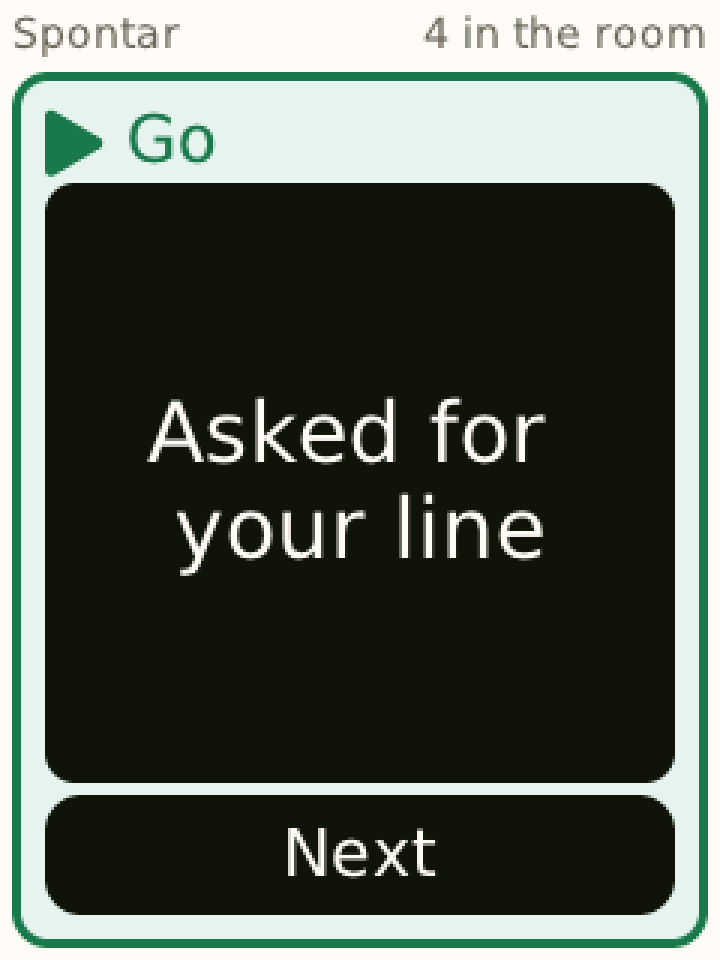
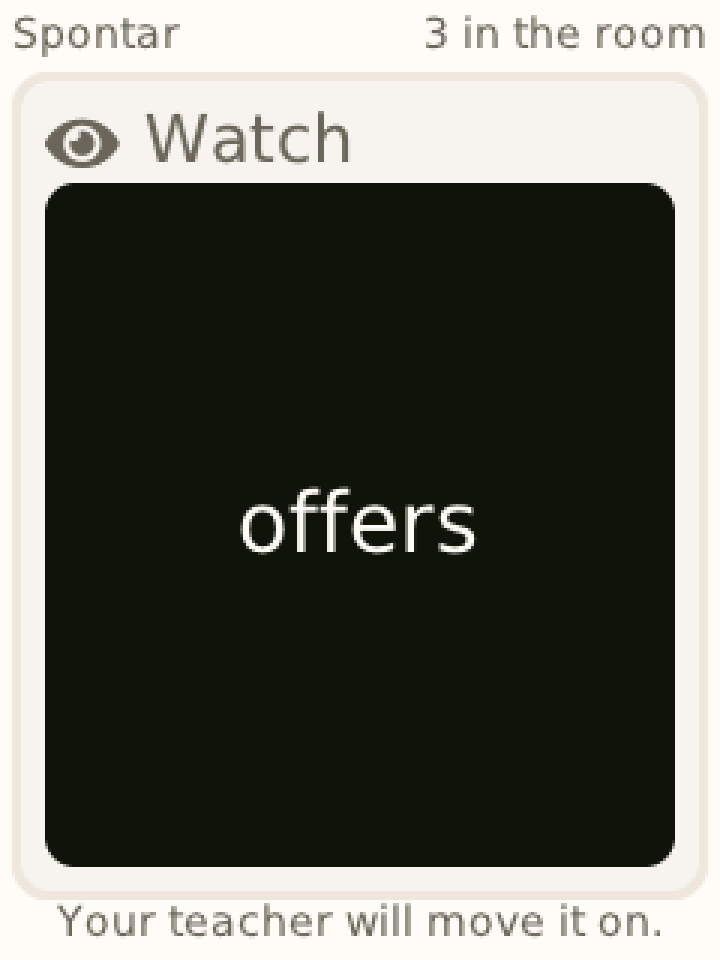
And improv, as before. Improvised scenes — a situation and a feeling for each role — written in Composer or taken from the Library; live prompts typed on the iPad during a scene and sent to one player; pictures and icons on the card, for young players or an exercise built on an image.
How it works
Four moments — and the two in the middle happen while you are teaching, not instead of it.
1 · THE EVENING BEFORE
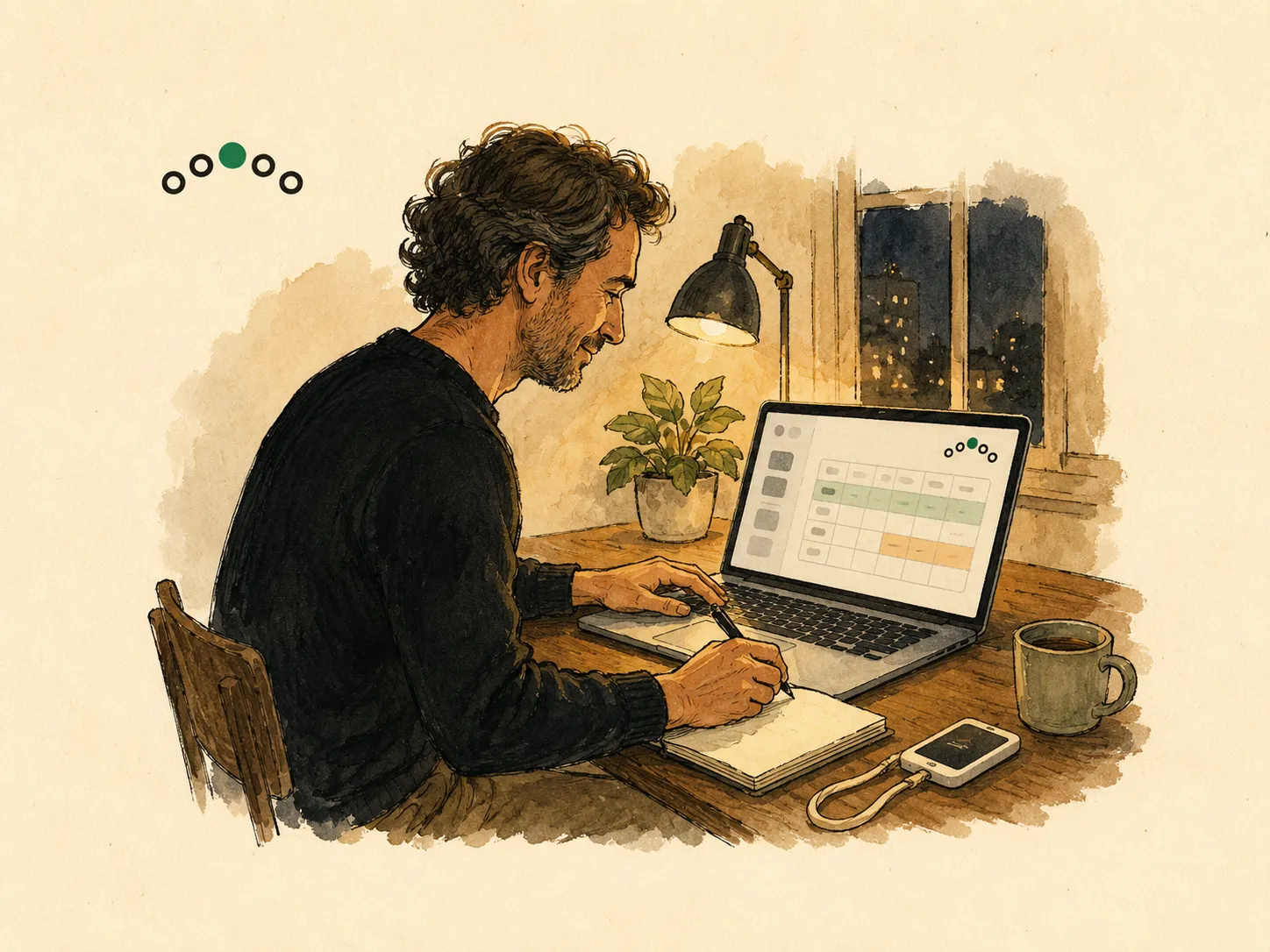
Paste the text, or import a PDF, a Word file or a Fountain file, and Composer turns it into a scene: one role per character, one line per speech, with anything it did not use listed. Composer checks every scene before it can be used in a lesson. For Run the room and Show night there is nothing to prepare.
2 · IN THE ROOM
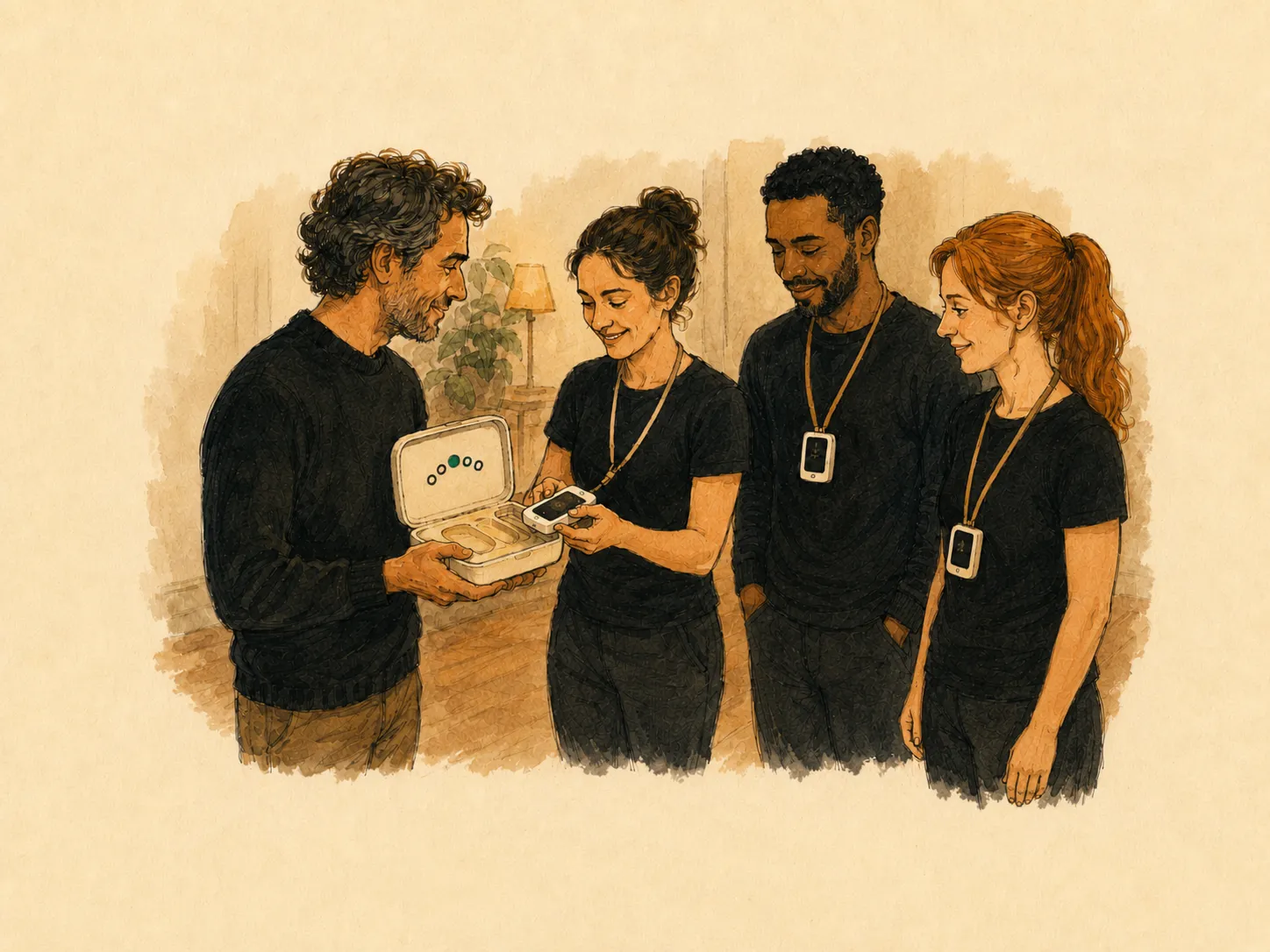
Switch a card on and it finds your iPad over the kit's own router — no venue wifi needed. You give each card to an actor by name, cast the parts, and choose for each actor whether their card shows the line in full, as first letters, or not at all.
3 · THE REHEARSAL
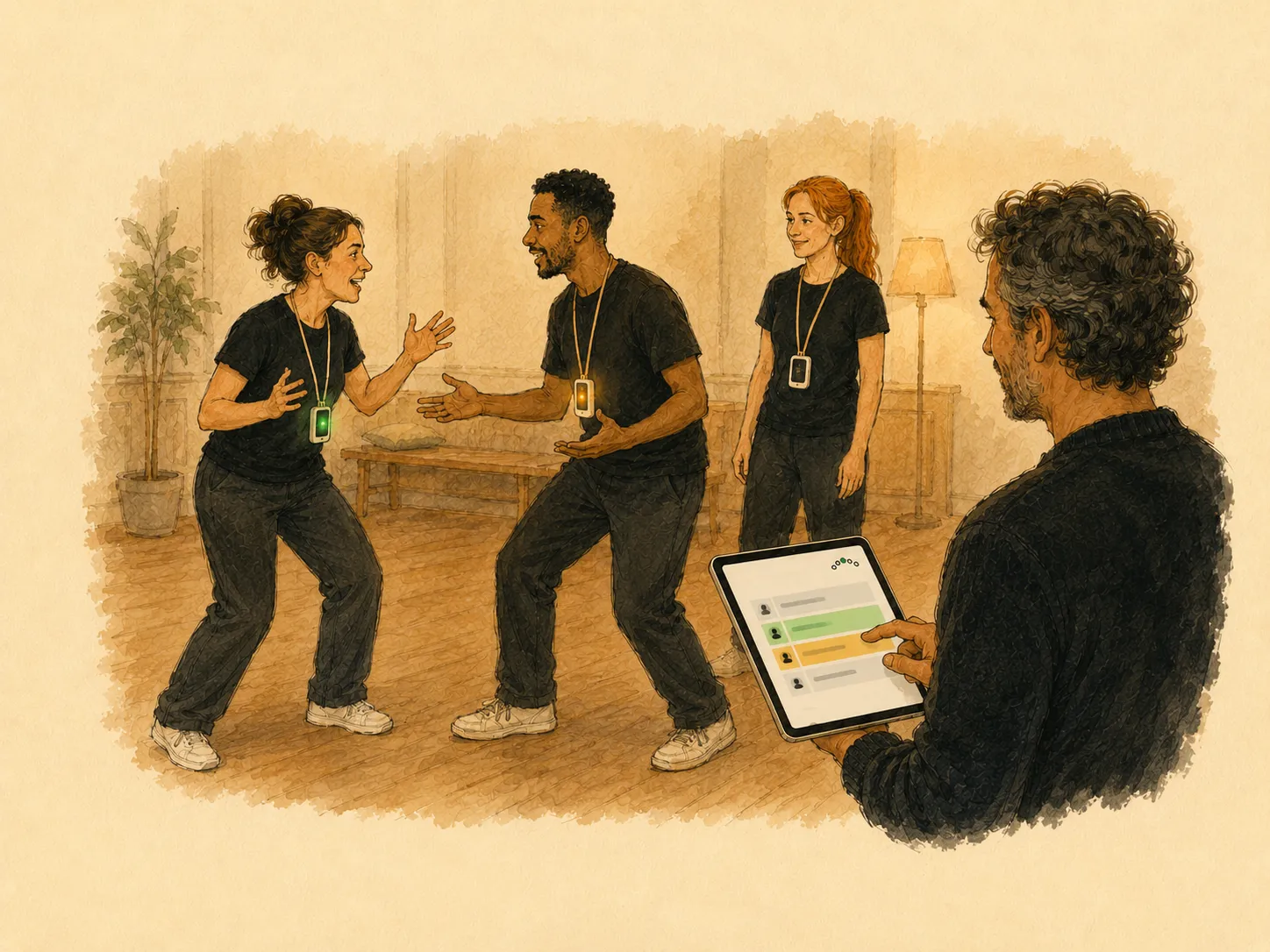
Tap Next and the scene moves on: the next actor's card buzzes twice to get ready, and once, long, when the line is theirs. When somebody dries, tap their name and send the next words, the line or the speech — silently, to their card alone. Nobody calls "line" across the room.
4 · AFTERWARDS
Who was there, who played what, and who dried on which line — or, for a class, who was up and with whom; for a show night, the acts. Private to the teacher who gave the lesson, and uploaded when the iPad is next online.
The result
Actors looked at each other instead of at a script. When a line went, the help arrived on one card, silently, and the scene kept going.
Who dried, on which line — counted once per line, whether they asked, you prompted, or both. Information for the next rehearsal, not a score for anyone.
In a class with no script, the iPad proposes the people who have been up least and the pairs who have worked together least, and says why.
AFTER THE RUN · THE LAST TRAIN
An example of the record a run leaves. It is the teacher's alone, and no actor ever sees it on a card.
Why
A rehearsal spends a surprising amount of its time on logistics: whose line is it, where are we, who comes in next, what is the line. Most of it is said out loud, in front of everyone — including "line!", called by the actor who has just lost it. Spontar takes it off the floor. Each actor gets their own part, at their moment, and nobody else sees it.
Not every actor has one, and the ones who do have notifications, messages and a lock screen between them and the scene. Plenty of rooms have a no-phones rule that exists for good reasons. And a line app on a phone serves one actor; it does not know where the scene is.
If paper works in your room, keep it. What paper cannot do is show an actor only their next line, take the words away as they learn them, or hand one actor a prompt without the rest of the room hearing it.
Evidence
One design choice leans on research published before we existed: feedback aimed at the person rather than the task backfires, and an audience degrades performance on a task not yet automatic. So a part, and a prompt, is seen by one actor alone. That research is about feedback and improvisation; what we say about rehearsing rests on what the build does, not on studies.
There is no trial of Spontar, and we have not run one. We have not measured whether a cast gets off book sooner, or whether a private card changes what a class will risk. We believe it helps. Belief is not a finding, and we will not present it as one. The sources, in full →
What we sell
1 per actor
Each one set up for your school or studio before it arrives.
1
The room becomes its own network while the lesson runs; the case holds the kit.
1 per teacher
The teacher's screen, where each rehearsal, class and show night is run.
Per teacher
Quoted from the number of teachers and the size of your largest class.
What we provide
Plain text, a PDF with a text layer, Word or Fountain, one speech per line as NAME: words. Characters become roles, speeches become lines. No AI is involved, so the script goes to no model.
Describe an exercise and the assistant drafts an improvised scene for you to reshape. It works on scene text only, never touches a script's lines, and never sees your actors or your lessons.
Three short original scripts and 24 improvised scenes, in English, German and French. Add one in Composer and run it as it is or adapt it. What you write stays your institution's own unless you choose to publish it.
The class app, Composer, Backstage and the card's own words are in English, German and French. A script is free text, so it plays in whichever language it was written. Composer & the Library →
Who it is for
Acting schools, drama schools' evening programmes, youth theatre and mixed theatre-and-improv studios: productions and showcases in rehearsal, class nights, show nights — with no IT department to ask.
For acting schools →Rehearsals for the school production, set texts and devised work, a class of teenagers as the room, and the data-protection questions answered before they are asked.
For schools →Why us
That is the whole idea. It started in improvisation, with the instruction one player should get without the rest of the room hearing it. Acting teachers showed us where the same problem is loudest: the rehearsal, the dried line, the prompt called across the room. The rest — no phones, no actor accounts, no score an actor can see — comes from taking that one sentence seriously. The story is on the about page.
What Spontar does not do
The card does not decide when an actor has dried. You do, or the actor asks.
No camera, and nothing about a lesson is recorded as sound or picture. Ever.
No sign-in, no password, no email address for an actor.
The record of dries is the teacher's; no card could show one.
Writing
The off-book date is where many rehearsal processes stall. Taking the script away in stages, and learning cues as well as lines, makes it a step instead of a cliff.
How a line is asked for and given shapes how a cast feels about drying. A short protocol, agreed in advance, takes the embarrassment out of it.
A class show is a small production with a running order, time calls and a host. The practical parts — the order, the calls, the jam and the end time — decide whether the evening feels like theatre.
A scene from your next production, a two-hander from class — we import it together on a 30–45 minute video call. We set schools and studios up by hand: slower than a sign-up form, and the reason nobody can talk their way into a tenant full of minors' data.
Talk to us