
Running a session when the internet is not there
Rehearsal rooms have bad wifi. What that actually breaks, what it does not, and how to plan a lesson that does not depend on it.
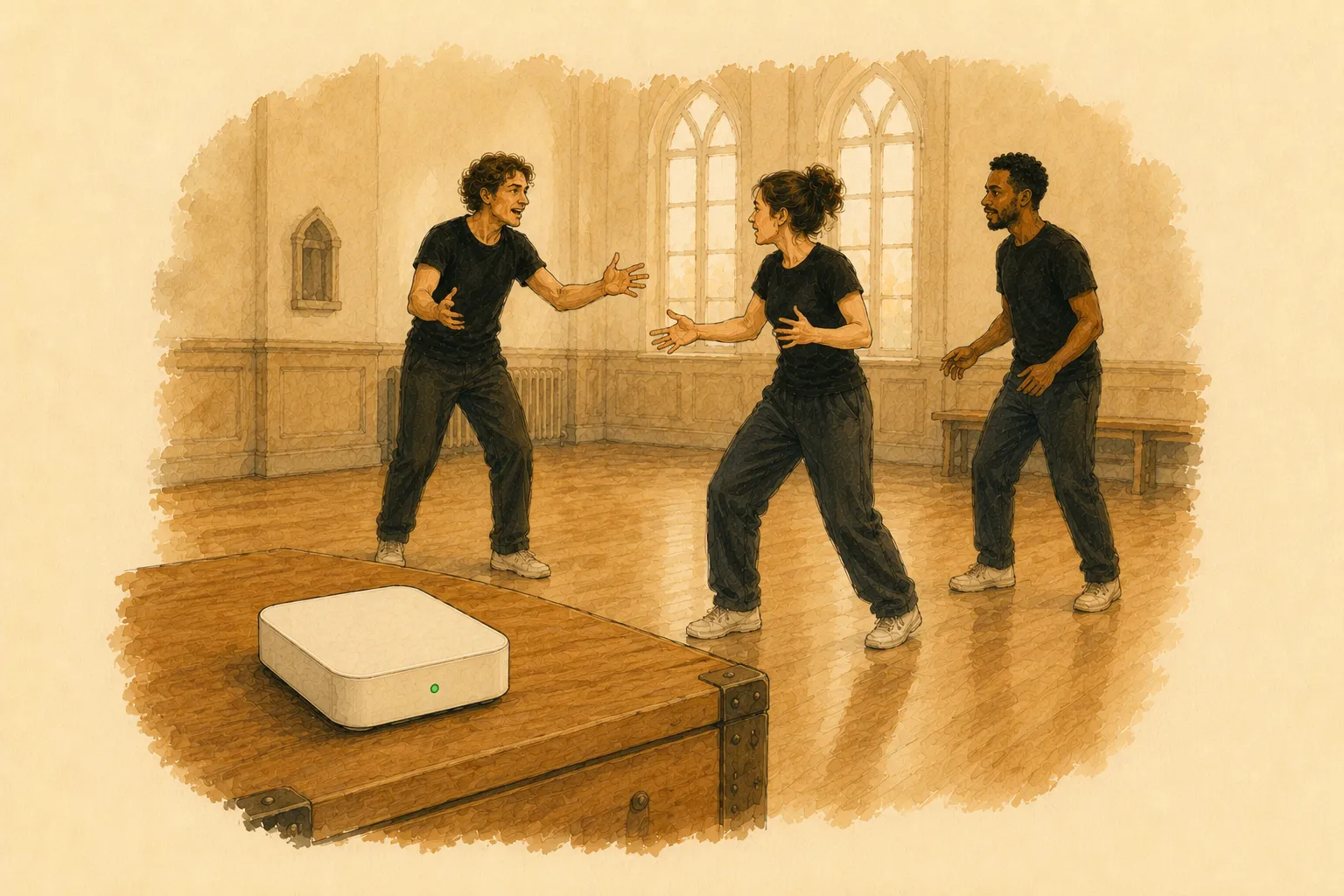
Church halls. Converted warehouses. The back room of a theatre. A school drama studio at the end of a corridor with one access point three rooms away.
The signal is fine at the desk and gone in the middle of the floor, and it works until fifteen people join it. Anyone who has taught in these rooms has planned a lesson around something that then did not connect.
What bad wifi actually breaks
Not what people expect.
It does not break playback. A track downloaded to a phone plays. A video saved to a laptop plays. Anything you brought with you is fine.
It breaks anything with a server in the middle. Which is most things that feel modern: a shared document, a timer everybody can see, a form students fill in, a tool that syncs between devices. All of these work perfectly in the staffroom and fail in the studio, which is the worst possible pattern because you tested it somewhere it worked.
It breaks silently and slowly. A connection does not usually die; it becomes slow, then intermittent, then it drops one device out of fifteen. That is much harder to plan around than a room with no signal at all, because the failure arrives mid-lesson and looks like a device problem.
The local network alternative
The distinction worth understanding is between the internet and a network. Devices in a room can talk to each other without anything reaching the outside world, and for most classroom purposes that is all that is needed.
A travel router — thirty euros, fits in a props box — creates a network with no internet connection of its own. Devices join it, they find each other, and nothing leaves the room. It is not a workaround; for a room full of people who only need to talk to each other, it is the correct architecture.
Two things to know:
Client isolation. Many school and venue networks turn this on, which stops devices on the same network from seeing each other. It is a sensible default for a public network and it breaks every device-to-device tool. Your own router does not have it on.
mDNS. The protocol devices use to find each other by name on a local network. Often blocked on managed networks. Again, your own router does not block it.
Both are why “just use the school wifi” frequently does not work even when the signal is good.
Planning a lesson that does not depend on it
Decide before the lesson, not during. A plan that works either way is usually a plan that is worse in both cases. Decide there is no internet, plan accordingly, and be pleasantly surprised.
Anything downloaded is fine. Music, video, images, documents. Download it the night before rather than streaming it, and the question disappears.
Anything shared needs a fallback that is not a smaller version. “We will use the shared document, and if it fails I will read it out” is not a fallback, it is a different lesson delivered badly. Either paper, or a local network, or plan for paper.
Test with the number of devices you will have. One phone connecting is not a test. Fifteen is a test, and it is the only one that predicts anything.
The failure mode to avoid entirely
A tool that silently switches from working over the internet to working locally, or the reverse, halfway through a lesson.
It sounds like a feature and it is the worst possible behaviour: half the room ends up on one and half on the other, nobody knows which, and the first sign is a student whose screen stopped updating. A connection that fails visibly is recoverable in thirty seconds. A connection that half-fails invisibly costs the lesson.
If you are choosing between tools, choose the one that makes you pick a mode before you start and then stays there. Being told “you are offline” at the beginning is a small annoyance. Discovering it in the middle is not.
Questions
- Is a mobile hotspot a solution?
- For up to about five devices, yes. Beyond that most phones start dropping connections, and a hotspot shared by fifteen students is a hotspot that fails halfway through the lesson — which is worse than no connection at all, because you planned around having one.
- What does a travel router cost?
- Around thirty euros for one that will handle a class. It needs no internet connection of its own; it is providing a local network, not access to anything. It can simply live in the room.